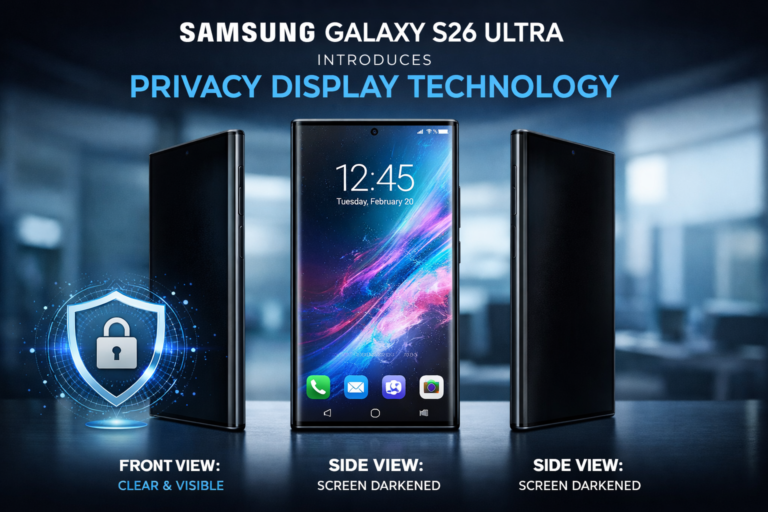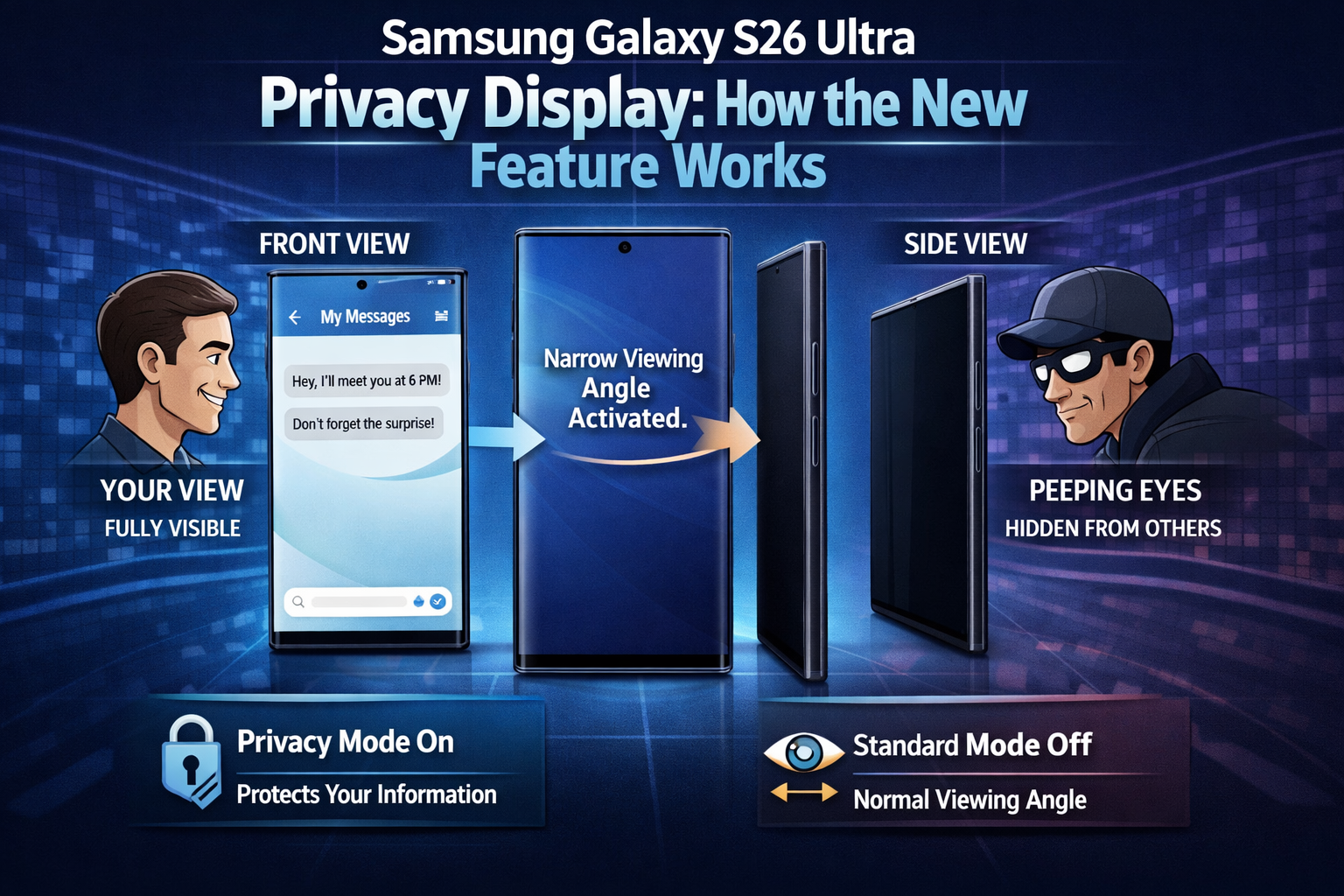
Samsung recently introduced its latest Galaxy S26 Series, which includes the Galaxy S26, Galaxy S26+, and Galaxy S26 Ultra. Among these devices, the Galaxy S26 Ultra stands out as the most premium model, and one of its most talked-about features is the new Privacy Display technology.
This feature is designed to prevent people around you from easily seeing what’s on your phone screen. When Privacy Display is enabled, the content on the screen becomes difficult to view from side angles, helping protect your personal information in public places.
How Privacy Display Works
Samsung has implemented this feature at the hardware level inside the display panel. The screen’s pixels are divided into two different types:
- Narrow Pixels – These emit light directly forward toward the user.
- Wide Pixels – These are regular pixels that spread light across wider viewing angles.
When Privacy Display is activated, the brightness of the Wide Pixels is significantly reduced or nearly turned off. Because of this, the display becomes harder to see from the sides while remaining visible to the person looking at it directly.
Effect on Brightness
Turning on Privacy Display does affect the phone’s brightness. Tests show that the maximum brightness drops by nearly half, since a portion of the pixels are effectively inactive.
Even with this reduction, the DX anti-reflective display still manages to deliver around 800 nits of brightness, which is generally sufficient for outdoor visibility even under bright sunlight.
Pixel Density Changes
Another noticeable effect is a drop in effective pixel density when the feature is enabled. Under a digital microscope, fewer pixels appear to be active when Privacy Display is turned on, which explains the brightness reduction.
Works Only on Specific Areas
One of the most interesting aspects of this feature is that it doesn’t have to be applied to the entire screen. Instead, Samsung allows Privacy Display to activate only in certain situations, such as:
- Incoming notifications
- Entering PINs, passwords, or patterns
- Selected apps chosen by the user
Currently, the feature mainly works in system apps and on the lock screen, although support for third-party apps may arrive in future updates.
Maximum Privacy Mode
Samsung also provides a Maximum Privacy Mode for users who want even stronger protection. This mode makes the screen significantly harder to view from angles, but it also affects the viewing experience:
- Colors may appear less vibrant
- Blacks can look slightly gray
- Overall contrast decreases
Because of this, Maximum Privacy Mode is better suited for specific situations rather than everyday use.
Does It Affect Display Quality?
The good news is that when Privacy Display is turned off, the screen quality remains unchanged. In fact, brightness, color reproduction, and viewing angles are nearly identical to the Galaxy S25 Ultra’s display.
Overall, the Privacy Display feature on the Samsung Galaxy S26 Ultra is a useful addition for people who frequently use their phones in public and want to keep their information private.
About the Author