
In today’s digital world, having reliable office software is essential for students, professionals, businesses, and freelancers. Whether you need to write documents, manage spreadsheets, create presentations, or edit PDF files, the right productivity tools can save time and make everyday tasks easier.
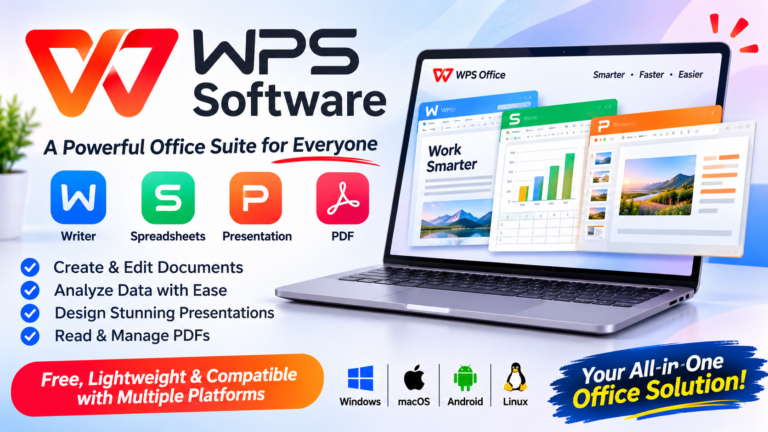
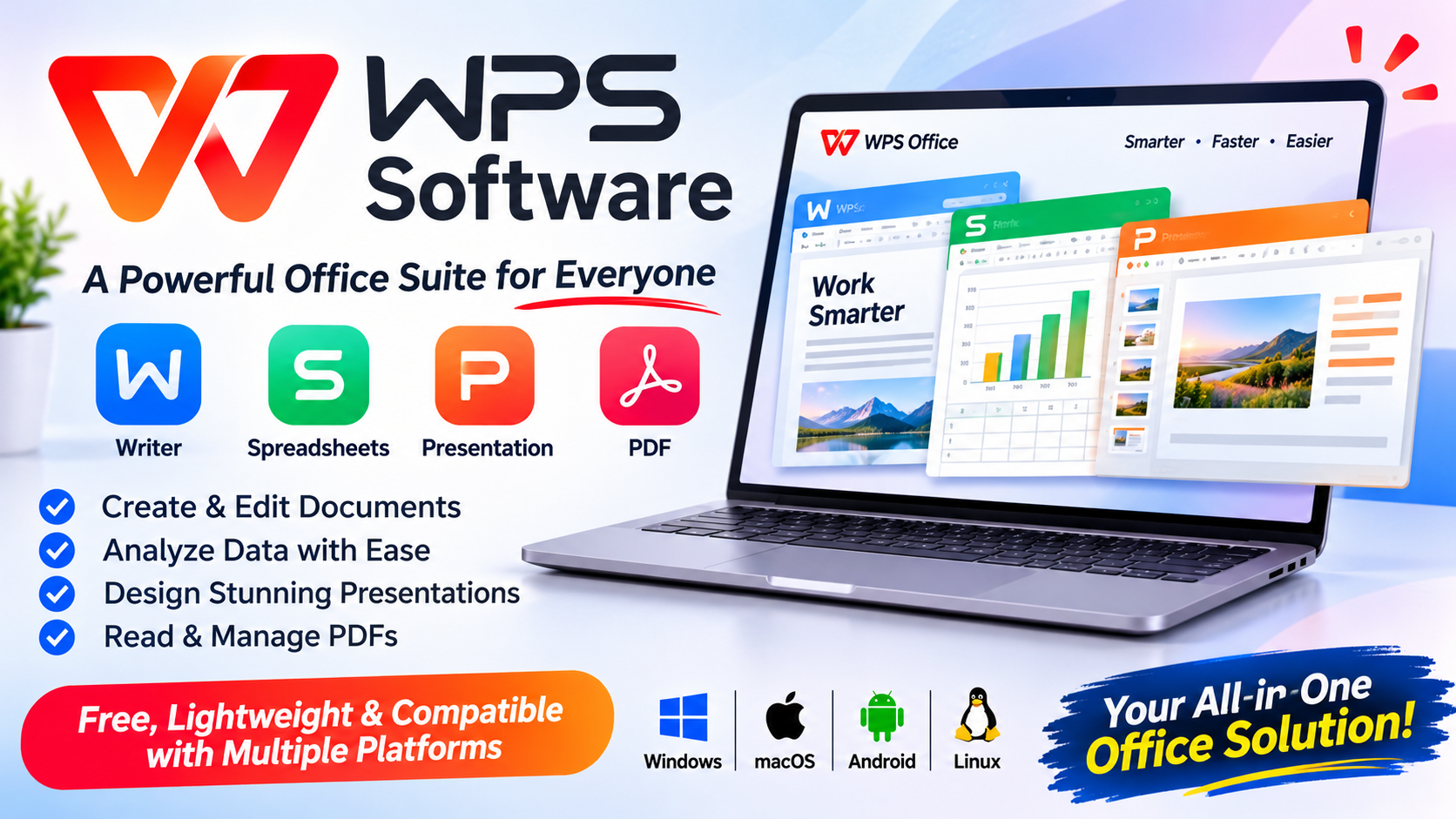
WPS Office is an all-in-one office productivity suite that brings several essential tools together in one platform. It offers Writer, Spreadsheet, Presentation, and PDF functionality, helping users manage different types of office tasks without constantly switching between separate applications.
If you are looking for an alternative to traditional office software, WPS Office is worth exploring.
What Is WPS Office Software?
WPS Office is a productivity software suite developed by Kingsoft. It is designed to help users create, edit, manage, and share digital documents.
The software combines four major productivity tools in one package:
- WPS Writer: Create and edit professional documents.
- WPS Spreadsheet: Organize information, calculate data, and create charts.
- WPS Presentation: Design attractive slideshows and presentations.
- WPS PDF: Read, manage, convert, and work with PDF documents.
One of its main advantages is that users can access multiple office tools through a single software package. It also supports commonly used Microsoft Office file formats, making it easier to work with existing documents.
Top Features of WPS Office
1. WPS Writer for Document Creation
WPS Writer is a word-processing tool designed for creating professional documents. Whether you are preparing business reports, writing assignments, creating resumes, or drafting letters, it provides useful editing and formatting features.
Users can customize fonts, adjust paragraph spacing, insert images, create tables, and organize content.
It also supports commonly used DOC and DOCX formats, making document sharing more convenient.
2. WPS Spreadsheet for Data Management
Managing data is an important part of professional and personal work. WPS Spreadsheet provides tools for organizing information, performing calculations, and analyzing data.
You can use it to create budgets, financial reports, expense trackers, business records, and project management sheets.
Its spreadsheet functionality includes formulas, charts, tables, and data organization features.
For freelancers and small businesses, these tools can make everyday data management more efficient.
3. WPS Presentation for Professional Slides
Presentations are important for business meetings, educational projects, training sessions, and marketing activities.
WPS Presentation allows users to create visually appealing slideshows using different layouts, templates, text styles, images, and presentation effects.
You can organize information into professional-looking slides and prepare presentations for different audiences.
It also supports commonly used PPT and PPTX file formats, making it easier to exchange presentation files.
4. WPS PDF Tools for Document Management
PDF files are widely used for contracts, invoices, reports, forms, and business documents.
WPS PDF provides tools for reading and managing PDF files. Depending on the available version and subscription, users can access features such as editing, converting, compressing, merging, splitting, and signing PDFs.
These tools can be useful for people who regularly work with digital documents.
Instead of installing multiple applications for basic office tasks, users can explore PDF functionality within the WPS ecosystem.
Why Choose WPS Office Software?
There are several reasons why WPS Office can be a useful productivity solution.
All-in-One Productivity Platform
One of the biggest advantages is having document editing, spreadsheets, presentations, and PDF tools in one software package.
This reduces the need to switch between different applications for everyday office work.
Microsoft Office File Compatibility
WPS Office supports many commonly used Microsoft Office file formats, including DOCX, XLSX, and PPTX.
This makes it convenient for users who regularly exchange files with colleagues, clients, teachers, or business partners.
However, complex formatting, macros, and advanced features may not always behave identically across applications.
Cross-Platform Availability
WPS Office is available across multiple operating systems and devices, including Windows, macOS, Linux, Android, and iOS.
This allows users to work with documents on different devices, although specific features can vary depending on the platform.
Templates for Different Requirements
Creating documents and presentations from scratch can take considerable time.
WPS Office provides access to templates that can help users prepare resumes, reports, business documents, presentations, and other materials more efficiently.
Cloud-Based Productivity
WPS Cloud offers options for storing and accessing documents across supported devices.
This can be helpful for users who work from multiple locations and want convenient access to their files.
Who Should Use WPS Office?
WPS Office is designed for different types of users.
Students: Students can prepare assignments, create presentations, organize research information, and manage PDF documents.
Freelancers: Freelancers can create invoices, proposals, reports, and other professional documents.
Small Businesses: Businesses can use spreadsheets for tracking expenses, managing information, and preparing reports.
Office Professionals: Employees can create documents, analyze data, and prepare presentations for everyday business activities.
Personal Users: Anyone who needs basic document editing, spreadsheets, or PDF management can explore the software.
Is WPS Office Free to Use?
WPS Office offers a free version that includes core office productivity tools. Users can download the software and explore its main features without immediately purchasing a subscription.
However, some advanced PDF editing tools, AI features, templates, and additional cloud services may require a paid plan.
Before subscribing, compare the available plans and check which features are included in each option.
How to Get Started with WPS Office
Getting started is straightforward:
- Visit the official WPS Office website.
- Choose the download option for your operating system.
- Install the software on your device.
- Open Writer, Spreadsheet, Presentation, or PDF.
- Create a new document or open an existing file.
- Save and manage your work in your preferred format.
You can also explore additional features and templates to improve your productivity.
Final Verdict: Is WPS Office Worth Trying?
WPS Office is a practical productivity solution for people who need multiple office tools in one place. Its combination of Writer, Spreadsheet, Presentation, and PDF functionality makes it a useful option for students, freelancers, professionals, and small businesses.
Its cross-platform availability, familiar interface, file compatibility, and free core tools are some of its key advantages.
Although users with advanced spreadsheet requirements or specialized office workflows may still need additional software, WPS Office is worth considering for everyday productivity tasks.
If you want to simplify document creation, spreadsheet management, presentations, and PDF workflows, explore WPS Office and see which features match your requirements.
About the Author