
Smartphones have become an important part of daily life. People use their phones for communication, entertainment, work, social media, and many other activities. However, one common problem that many smartphone users face is battery drain.
A fast-draining battery can be frustrating, especially when you need your phone throughout the day. Fortunately, there are several simple steps you can take to improve battery life and make your smartphone last longer on a single charge.
In this guide, we will explore the best smartphone battery saving tips that actually work.
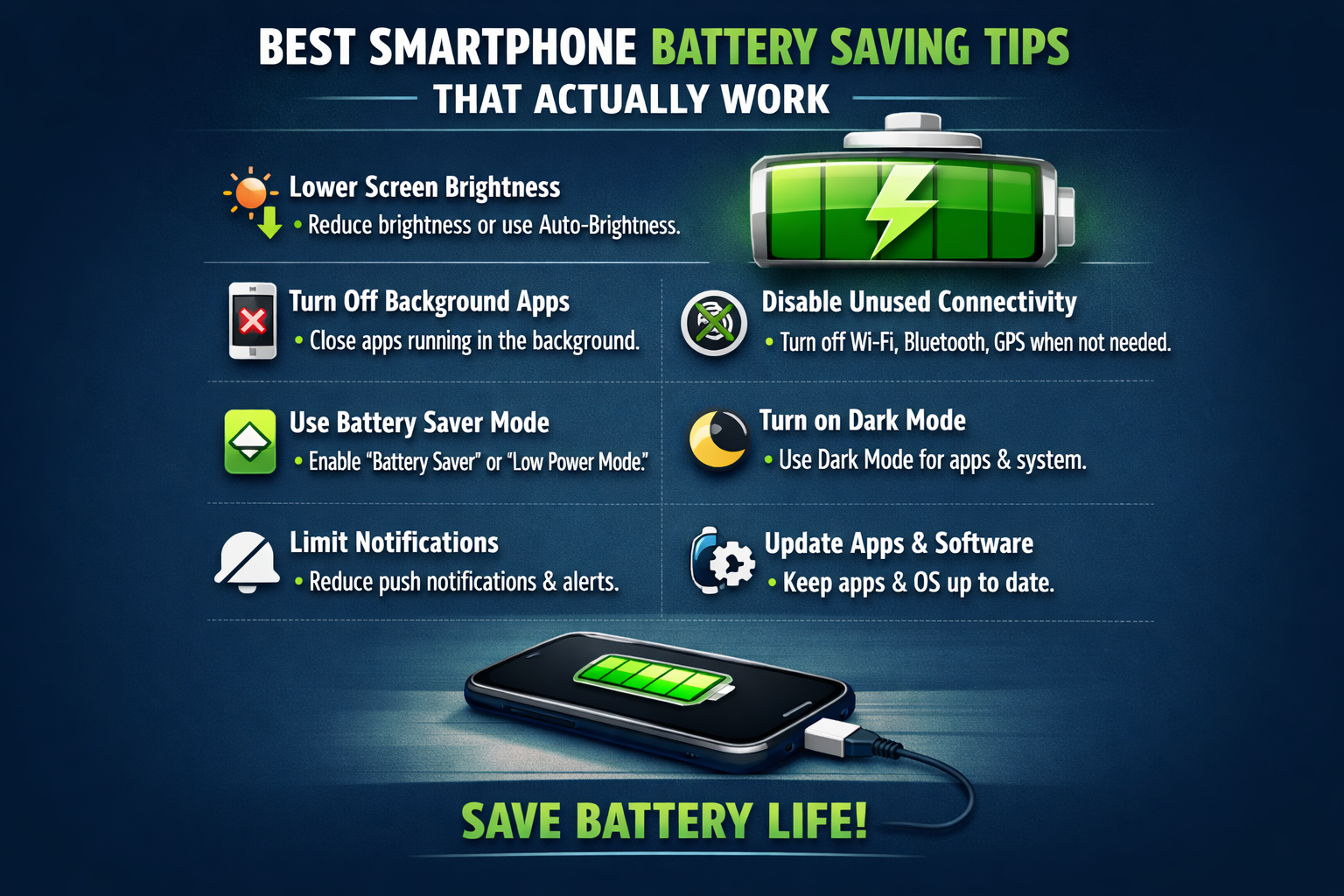
Reduce Screen Brightness
The smartphone display is one of the biggest sources of battery consumption. Keeping the screen brightness too high can drain the battery quickly.
Reducing screen brightness or using automatic brightness settings can significantly improve battery life.
Lower brightness not only saves battery but also makes the phone more comfortable to use in low-light environments.
Turn Off Unnecessary Background Apps
Many apps continue running in the background even when you are not using them. These apps consume battery power and reduce overall battery performance.
Closing unused apps or restricting background Activity can help conserve battery life.
Most smartphones also allow users to control which apps are allowed to run in the background.
Disables Unused Features
Smartphones include several features such as Bluetooth, GPS, Wi-Fi, and mobile hotspot. While these features are useful, they can also consume battery power when left on unnecessarily.
Turning off features that you are not using can help extend batterys life.
For example, you can disable GPS or Bluetooth when they are not needed.
Use Battery Saver Mode
Most smartphones include a battery saver modes that automatically reduces power consumption. This mode limits background activity, reduces screen brightness, and optimizes performance to save battery.
Activating battery saver mode when the battery level is low can help your phone last much longer.
Update Your Smartphone Software
Software updates often include improvements that optimize battery performance and fix bugs that may cause battery drain.
Keeping your smartphone updated ensures that your device runs efficiently and uses power more effectively.
Avoid Extreme Temperatures
Extreme heat or cold can negatively affect smartphone battery performance. Using your phone in very hot or very cold conditions may cause faster battery drain.
Try to keep your smartphone in a moderate, temperature environment to protect battery health.
Limit Push Notifications
Many apps constantly send notifications, which can wake up the phone frequently and consume battery power.
limiting unnecessary notifications can reduce battery usage and also help minimize distractions.
You can manage notification settings directly from your smartphone settings menu.
Charge Your Phone Properly
Proper charging habits can also help maintain battery health. Avoid charging your phone continuously overnight or using low-quality chargers.
Using the original charger and avoiding overcharging can help extend the lifespan of your smartphone battery.
Conclusion
Smartphone battery life is an important factor for everyday users. By following simple battery-saving tips such as reducing screen brightness, limiting background apps, disabling unused features, and using battery saver mode, you can significantly improve battery performance.
These simple strategies can help your smartphone last longer throughout the day and reduce the need for frequent charging.
If you want to learn more smartphone tips, buying guides, and the latest tech deals, keep visiting bestdiscountsforyou.com for useful updates.
About the Author