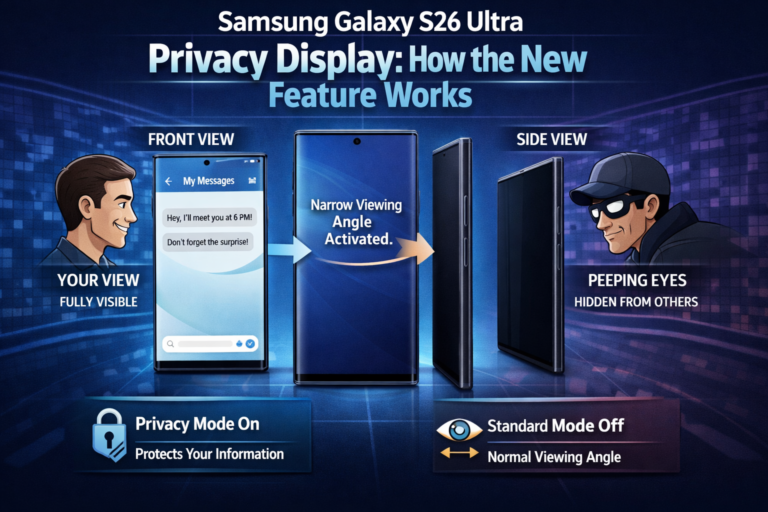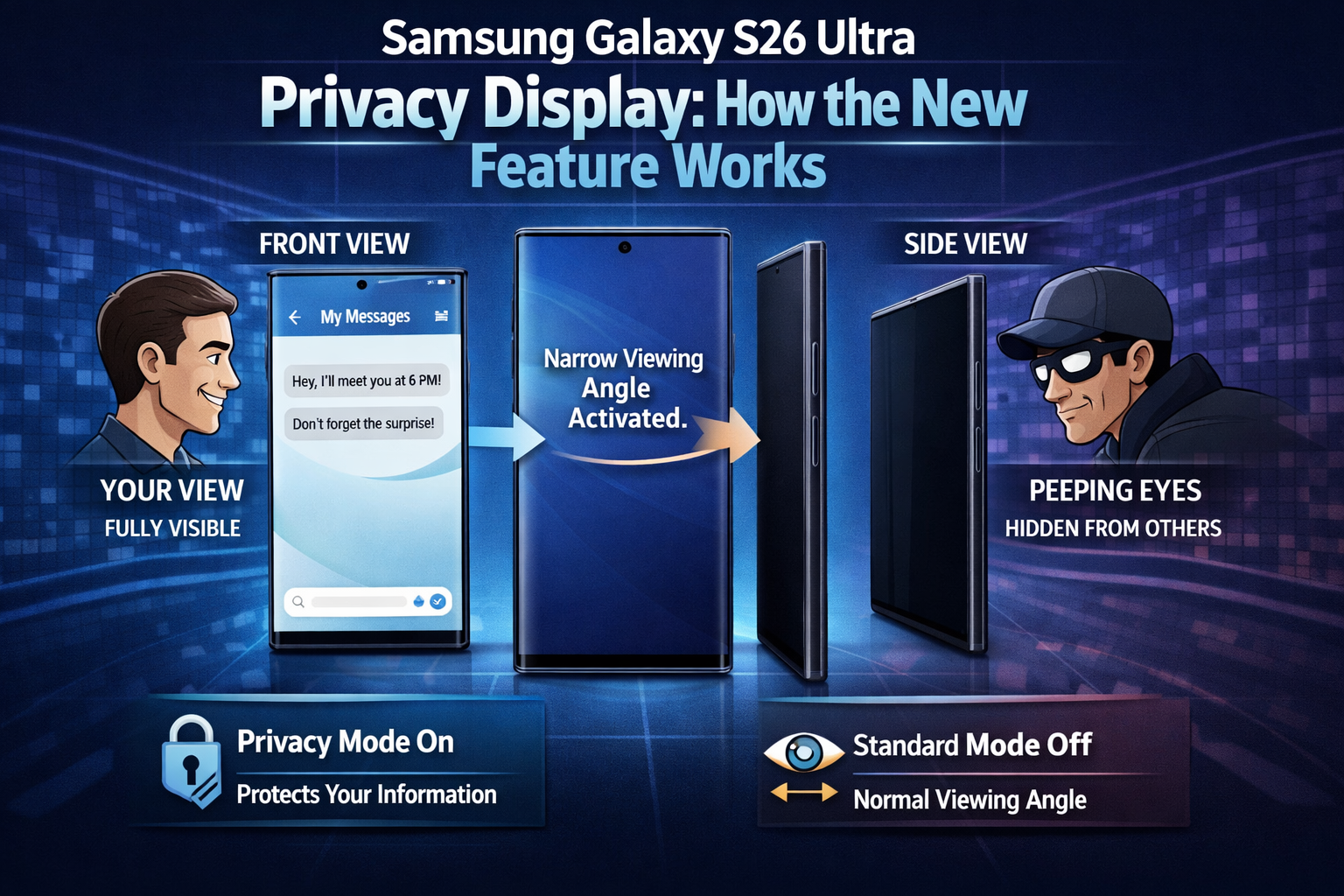
The Samsung Galaxy S26 Ultra introduces an interesting feature called Privacy Display, designed to prevent people nearby from seeing the content on your screen when viewed from an angle. While the feature sounds simple, the technology behind it is actually quite advanced.
How the Privacy Display Works
Under normal conditions, the display behaves like any other high-end smartphone screen. However, once Privacy Display is turned on, the behavior of the screen changes noticeably.
Samsung achieves this effect through a hardware-level implementation that divides the screen’s pixels into two categories:
- Narrow Pixels – These direct light straight toward the user.
- Wide Pixels – These spread light across wider viewing angles like regular display pixels.
The Narrow Pixels are surrounded by a slightly taller structure that restricts how light spreads from the screen. Because of this design, they become much harder to see from the side.
Brightness Reduction When Enabled
When Privacy Display is activated, the brightness of the Wide Pixels is greatly reduced and may even appear completely disabled under microscopic inspection. Since roughly half of the pixels are no longer contributing fully to the display, the maximum brightness drops by nearly 50%.
Even with this reduction, the DX anti-reflective display on the S26 Ultra still reaches around 800 nits, which remains bright enough for comfortable outdoor use on sunny days.
Pixel Density Changes
Another side effect of the feature is a slight reduction in effective pixel density. When the Wide Pixels are dimmed or turned off, fewer pixels remain active, which can be clearly observed when viewing the OLED panel through a digital microscope.
For comparison, images of the Samsung Galaxy S25 Ultra display show a fully active pixel structure, highlighting the difference when Privacy Display is enabled on the newer model.
Selective Privacy for Specific Content
One of the most impressive aspects of the feature is that it doesn’t always need to cover the entire screen. Instead, it can activate only for certain elements, such as:
- Incoming notifications
- PIN, password, or pattern entry fields
- Selected system applications
This means that sensitive information can remain hidden from nearby viewers without affecting the rest of the display.
Currently, the feature mainly works in system apps and on the lock screen, although support for third-party apps may be added in future updates.
Automation and Smart Controls
Users can also configure the feature to activate automatically using Samsung’s routine settings. For example, Privacy Display can be set to turn on:
- When you are at the office
- At a specific time of day
- When using certain apps
This level of customization makes the feature more flexible than a typical physical privacy screen protector.
Maximum Privacy Mode
Samsung also includes a Maximum Privacy Display option for users who want even stronger protection. This mode significantly limits viewing angles, making it extremely difficult for someone nearby to see the screen.
However, it comes with a trade-off:
- Blacks may appear gray
- Contrast drops noticeably
- Colors may look less vibrant
Because of these visual changes, this mode is better suited for short periods rather than continuous use.
Overall Viewing Experience
In standard Privacy Mode, it’s still possible to somewhat recognize what’s on the screen when viewed from an angle, though the details are harder to see. The Maximum Privacy Mode provides stronger protection but noticeably impacts display quality.
The good news is that when Privacy Display is completely turned off, the viewing experience is essentially identical to the previous generation. Color accuracy, brightness levels, and viewing angles closely match those of the Samsung Galaxy S25 Ultra.
Despite some early online claims suggesting reduced sharpness, side-by-side comparisons show that the S26 Ultra’s display quality remains unchanged in its default state.
For users interested in learning more about the phone’s performance, camera system, and display capabilities, a full review of the Samsung Galaxy S26 Ultra provides a deeper look at all aspects of Samsung’s latest flagship device.
Is this conversation helpful so far?
About the Author