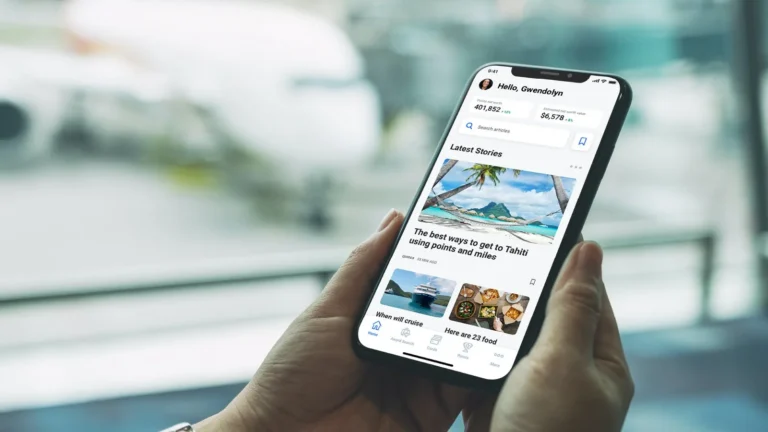
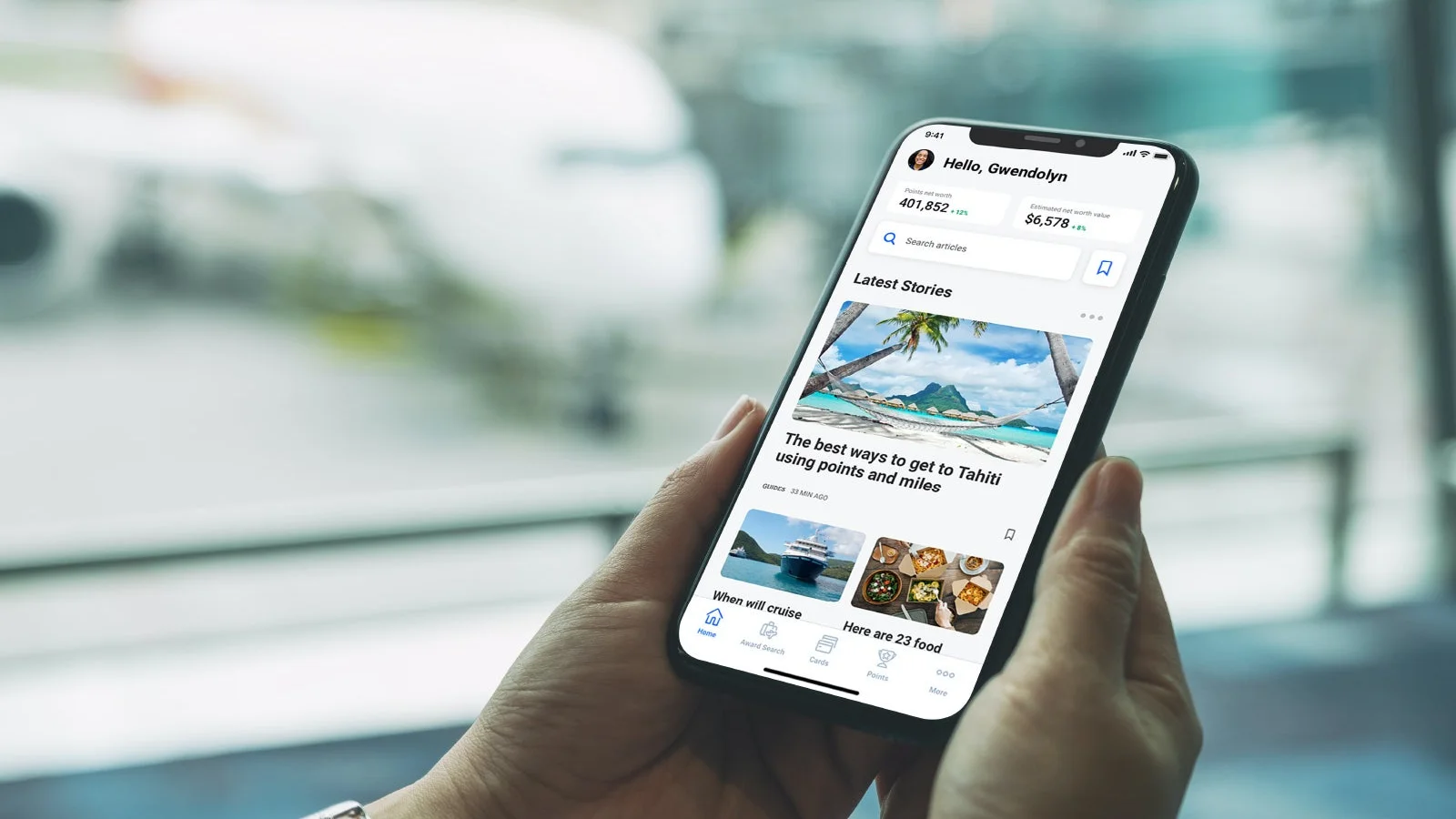
Planning a trip can involve dozens of small tasks, from finding affordable flights and hotels to checking exchange rates and navigating an unfamiliar destination. Fortunately, the right travel apps can make the entire process easier while also helping you find better deals and avoid unnecessary expenses.
Whether you’re planning a domestic vacation, an international holiday or a last-minute weekend getaway, downloading a few useful apps before you leave can save both time and money.
Here are some of the best travel apps every traveler should consider downloading before a trip.
1. Google Flights – Find Better Flight Deals
Flight tickets can take up a large part of your travel budget, so comparing prices before booking is important.
Google Flights lets you search flights from different airlines, compare dates and check alternative routes. Its flexible date and price-tracking features can also help travelers identify potential savings.
If your travel dates are flexible, checking nearby dates can sometimes reveal significantly different fares.
Best for: Comparing flights and tracking prices.
2. Skyscanner – Compare Flights, Hotels and Car Rentals
Skyscanner is another useful option for travelers looking to compare travel prices. The platform allows users to search flights, hotels and car rentals in one place.
Its flexible search tools can help you discover cheaper travel dates and alternative destinations. This can be particularly useful when you’re traveling on a limited budget.
Best for: Comparing travel prices and finding budget-friendly options.
3. Booking.com – Find Hotel Deals
Accommodation is another major travel expense. Booking.com offers a large selection of hotels, apartments, hostels and other properties.
Travelers can filter properties based on price, location, ratings, facilities and other requirements. Comparing multiple properties before booking can help you find accommodation that fits your budget.
Look out for special promotions, member discounts and limited-time offers before completing your reservation.
Best for: Hotel deals and accommodation comparisons.
4. Airbnb – Find Alternative Accommodation
For longer trips or group vacations, traditional hotels aren’t always the only option.
Airbnb offers apartments, homes and other types of accommodation. Depending on the destination, staying in an apartment with a kitchen can sometimes help reduce food expenses, especially for families and longer stays.
Best for: Vacation rentals, apartments and longer trips.
5. Google Maps – Save Time and Transportation Costs
Google Maps is one of the most useful apps to have while traveling.
It can provide directions, public transportation information, estimated travel times and details about restaurants, attractions and businesses. Using public transport instead of taxis or ride-hailing services can sometimes help reduce transportation costs.
The offline maps feature is also useful when traveling internationally without constant mobile data.
Best for: Navigation, public transport and finding nearby places.
6. XE Currency – Avoid Expensive Currency Mistakes
When traveling abroad, it can be difficult to understand how much you’re actually spending.
XE Currency lets travelers convert prices between different currencies and check exchange-rate information. This can be particularly useful while shopping, comparing hotels or deciding whether a particular activity fits your budget.
Instead of guessing whether something costs ₹500, $5 or €5, you can quickly check the approximate value in your home currency.
Best for: Currency conversion and travel budgeting.
7. TripIt – Keep All Your Bookings in One Place
Travel bookings can quickly fill your email inbox. Flights, hotels, car rentals and activity confirmations can become difficult to track.
TripIt helps organize your travel information into a single itinerary. Having your reservations in one place can make it easier to find booking details when you need them.
Best for: Organizing flights, hotels and travel reservations.
8. Splitwise – Manage Group Travel Expenses
Traveling with friends can be fun, but splitting expenses isn’t always easy.
One person might pay for the hotel, another for dinner and someone else for transportation. Splitwise helps track shared expenses and calculate how much each person owes.
This can prevent confusion and eliminate the need to manually calculate expenses at the end of the trip.
Best for: Group trips and shared expenses.
9. Google Translate – Save Money When Traveling Abroad
Language barriers can sometimes lead to misunderstandings, particularly when shopping, ordering food or using local transportation.
Google Translate can translate text, conversations and signs. Its camera feature can also help translate menus and other written information.
Downloading language packs before your trip can allow you to use certain translation features even without an internet connection.
Best for: Translation and communication abroad.
10. Uber – Compare Local Transportation Costs
Where available, Uber can be useful for checking local transportation prices before taking a ride.
The app provides estimated fares and allows you to track your driver. In some destinations, comparing the estimated cost of a ride with public transportation can help you choose the more economical option.
Availability and pricing vary by location, so check which ride-hailing services operate at your destination.
Best for: Ride-hailing and checking transportation costs.
11. PackPoint – Avoid Last-Minute Shopping
Forgetting something important before a trip can result in unnecessary purchases at your destination.
PackPoint helps create a personalized packing list based on your destination, travel dates and planned activities.
Packing according to the expected weather can help you avoid buying clothes, umbrellas or other essentials after arriving.
Best for: Trip preparation and packing.
12. Google Drive – Keep Travel Documents Accessible
Travel documents are extremely important, particularly for international trips.
You can store digital copies of your passport, visa, travel insurance, flight confirmations, hotel reservations and other important documents in Google Drive.
Keeping backup copies can be useful if you lose access to the original documents. However, sensitive files should always be protected with a secure account and appropriate security settings.
Best for: Storing important travel documents.
13. Weather Apps – Avoid Wasted Plans and Expenses
Checking the weather before and during a trip can help you make better decisions about activities and packing.
A reliable weather app can tell you whether to carry rain gear, warm clothing or sun protection. It can also help you adjust outdoor plans when bad weather is expected.
Best for: Weather forecasts and trip planning.
How Travel Apps Can Help You Save Money
Travel apps aren’t only useful for convenience. Used correctly, they can also help reduce your overall travel expenses.
Compare Before Booking
Don’t automatically book the first flight or hotel you find. Compare prices across multiple platforms and check different dates when possible.
Use Price Alerts
For expensive purchases such as flights and hotels, price alerts can help you monitor changes instead of repeatedly checking prices manually.
Check Multiple Transportation Options
Compare public transport, buses, trains, taxis and ride-hailing services. The cheapest option may vary depending on the city and time of day.
Look for App-Exclusive Discounts
Some travel platforms offer special promotions or discounts through their apps. Before booking, check whether there are member prices, coupons or limited-time offers available.
Track Your Spending
Apps such as Splitwise and currency converters can help you understand where your money is going, especially during international trips.
Essential Travel Apps Checklist
You don’t need to install dozens of apps. For most travelers, the following combination covers the basics:
- Google Flights – Flight research
- Skyscanner – Travel price comparison
- Booking.com – Hotel deals
- Airbnb – Vacation rentals
- Google Maps – Navigation
- Google Translate – Language translation
- XE Currency – Currency conversion
- TripIt – Travel itinerary
- Splitwise – Group expenses
- Google Drive – Travel documents
- PackPoint – Packing
- Weather app – Forecasts
Tips Before You Travel
Before leaving home, take a few minutes to prepare your phone.
Download offline maps: This can be particularly helpful when traveling without reliable mobile data.
Save important documents: Keep copies of your passport, visa, insurance and booking confirmations in a secure location.
Check international data plans: Roaming charges can become expensive, so compare your carrier’s international plans with local SIM or eSIM options.
Download apps in advance: Don’t wait until you arrive at the airport or destination. Some apps may require a stable internet connection for installation or setup.
Keep your phone charged: A power bank can be extremely useful when your phone is being used continuously for navigation, tickets and communication.
Final Thoughts
The best travel apps can do much more than help you find your way around a new city. They can help you compare flight and hotel prices, track expenses, find discounts, translate languages, organize bookings and keep important documents accessible.
You don’t need every app available. Start with a few essentials based on your destination and travel style, then add specialized apps for flights, accommodation, transportation or budgeting.
Most importantly, install and set up your essential apps before leaving home. A little preparation can make your trip smoother while helping you avoid unnecessary expenses.
About the Author